Knowledge

Remote IO module output point offset
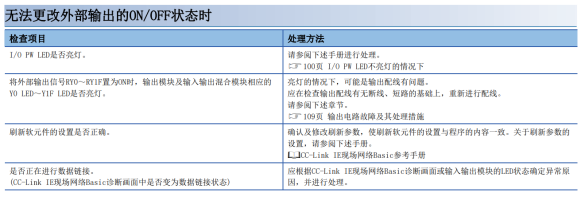
Many customers, when using a Mitsubishi PLC to connect a mixed input/output remote I/O, encounter an issue where the ON/OFF state of the external output cannot be changed. In this case, check the module's power-on status, the device refresh settings, the number of module stations, and the slave connection status.
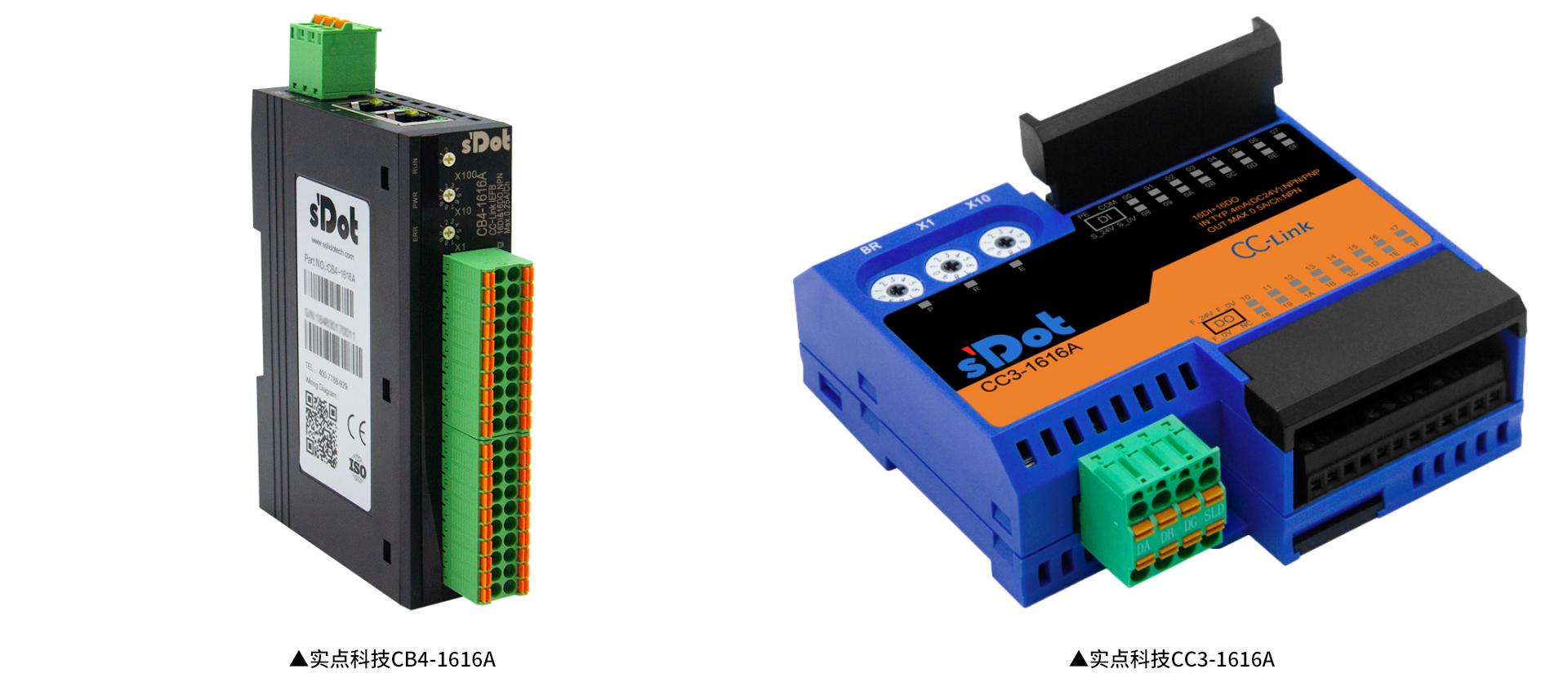
If none of the above is abnormal, the output point offset of the mixed module needs to be considered. Output offset is generally set on mixed input/output modules, for example: for the CC-Link IEF Basic protocol, there are Shidian Technology integrated modules CB4-1616A and CB3-1616A, and Mitsubishi NZ2MFB1-32DT; for the CC-Link protocol, there are Shidian Technology CC4-1616A and CC3-1616A, and Mitsubishi AJ65SBTB1-16DT.
These modules have the following characteristics —
1. I/O mixed type;
2. The output start address needs to be offset according to the number of input points.
For example
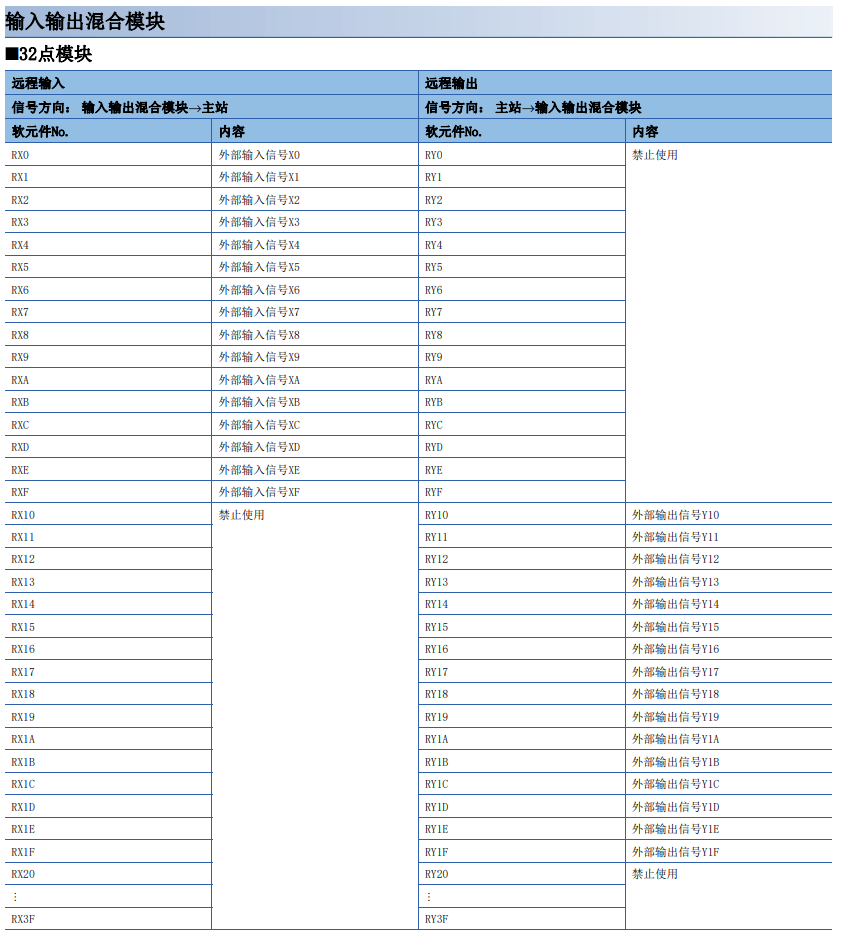
If using the CB4-1616A module (16 inputs, 16 outputs, NPN), the input address is RX0 ... RXF, and the output address is RY10 ... RY1F.
The figure below shows the I/O mapping point distribution diagram when configuring CB4-1616A in GX Works2, with the refresh side start setting as X100 and Y100:

The figure below shows the device addresses of the Mitsubishi NZ2MFB1-32DT:
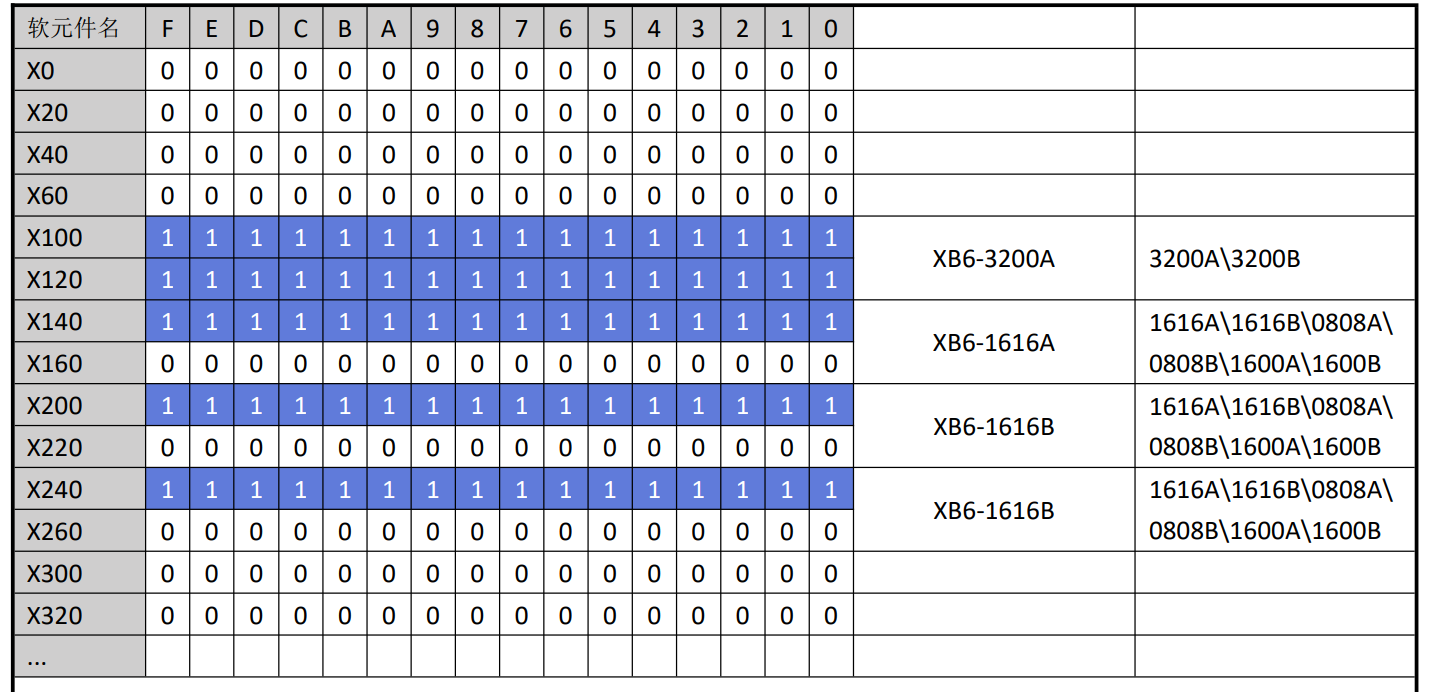
Note that Shidian Technology Slice remote I/O does not follow the output offset; instead, each slice occupies a fixed 4 bytes and is displayed without offset, as shown in the figure below: using the FX5U to connect XB6-CB0002, the configuration information is XB6-3200A, XB6-1616A, XB6-1616B, XB6-1616B, XB6-0032A.