Knowledge

When Siemens PLC is connected to multiple XB6-PN2002ST, how to quickly assign device names to corresponding stations
PROFINET communication accesses slaves by device name. During online support and on-site customer assistance, it was found that there could be multiple XB6-PN2002ST slaves in the network or within the same device, each slave equipped with different modules and achieving different functions. In this case, the corresponding device name needs to be correctly assigned to each corresponding slave.
Many engineers either make mistakes when assigning the configuration, or power off the remaining modules during the assignment process. This is not only difficult to troubleshoot but also affects work efficiency. Below are 2 accurate and fast assignment methods.
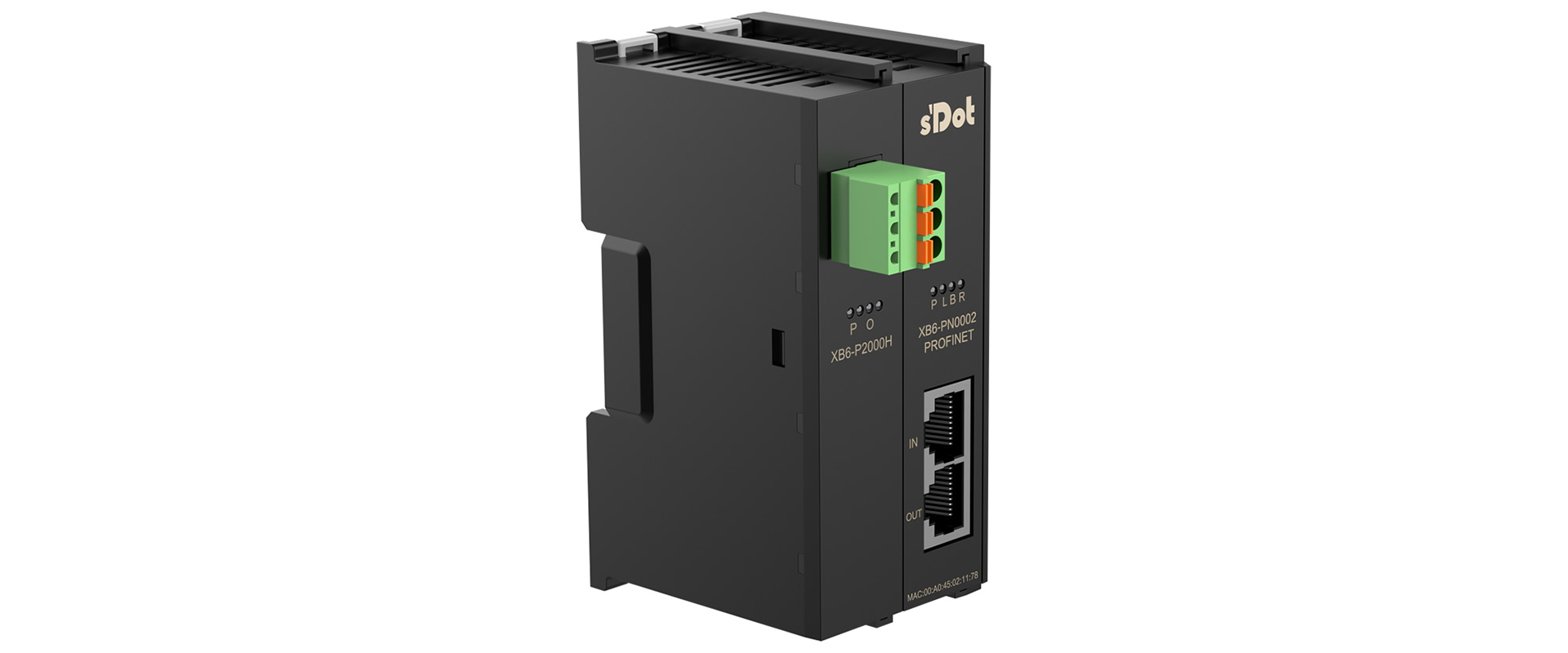
🔼Shidian TechnologyXB6-PN2002ST (PROFINET Protocol Coupler Kit)
I.
1. Drag the XB6-PN0002 module into the TIA Portal Network View, and correctly add I/O according to the actual assembly order of the module models;
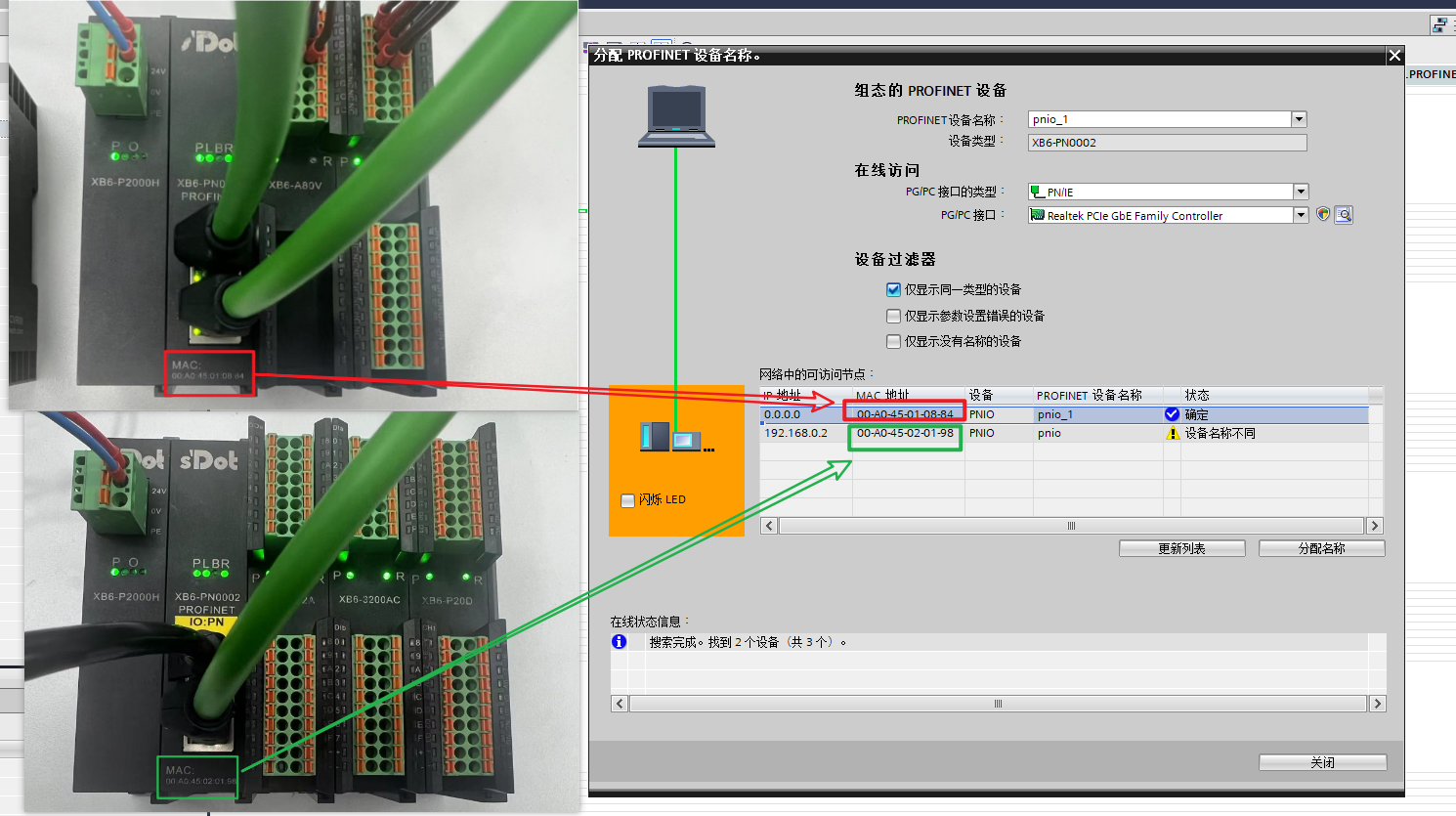
2. Right-click XB6-PN0002, then click Assign Device Name;
3. Click Update List, check the MAC address below the module's network port, and make sure it matches the device MAC address scanned in the Update List;
4. Click Assign.
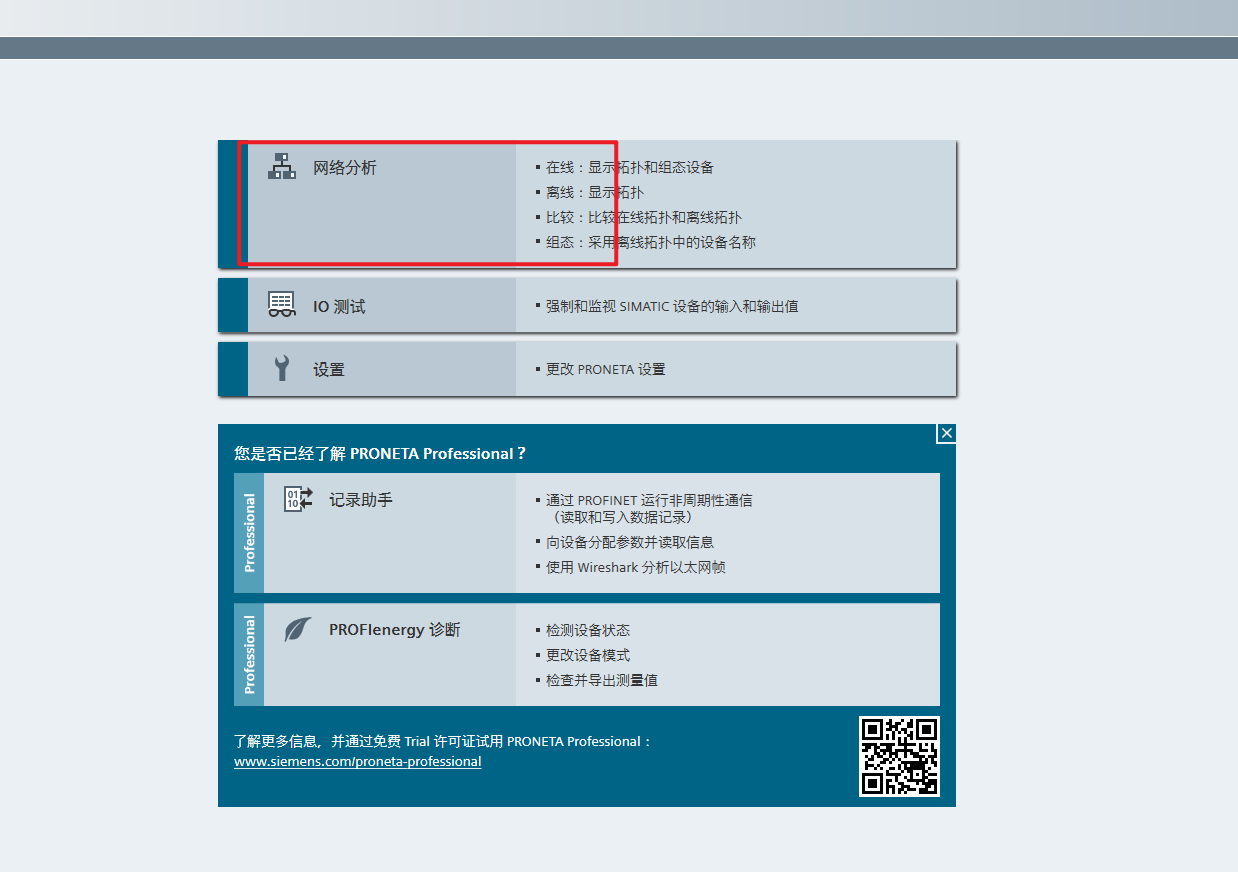
II. Assign the device name using the Siemens PROFINET Network Analyzer configuration and diagnostics tool, by directly connecting the PC to the module with a network cable —
1. Click the refresh button in the upper left corner of the software to access PROFINET Protocol devices in the network;
2. Check whether the MAC address of the module found in the search matches the MAC address below the module's network port;
3. Double-click the Name column, enter the device name (case-insensitive here), and press Enter to complete the assignment.
This method can also be applied when a PN coupler needs to be replaced due to a fault. Simply assign the device name of the new PN coupler to match the previous one to restore operation.