Knowledge

Common errors and solutions for Profinet communication diagnostic alarms
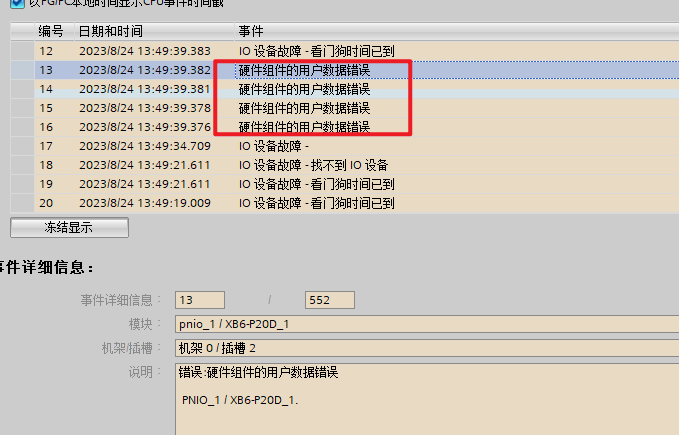
01 Online Diagnostics reports a user data error for the hardware component; the Device Configuration is not supported
Solution:
(1) Check the End Cover of the module;
(2) Check whether the order of the Configuration Module matches the order of the actually assembled Module Model.
02 A black exclamation mark is displayed in the Network View and Device View interfaces

Solution:
Set the PLC offline, then download the hardware configuration

03 Online Diagnostics reports a partner error - neighbor not detected, wrong port partner

Solution:
(1) Set the PLC offline, delete the connection in the topology view, then download;
(2) Set the PLC offline, connect correctly, then download.
04 Watchdog timeout

Solution:
(1) Check whether the network cable is loose;
(2) After confirming the network cable is normal, ping the IP address. The physical link delay is normally 1 ... 2 ms. Check whether there is a long delay; if so, check the network environment;
(3) Check whether a ring network exists in the topology;
(4) Check the switch and the router;
(5) Check whether any Device on the switch or router is causing interference; you can plug in the devices one by one to observe;
(6) Increase the watchdog timeout appropriately.
05 PROFINET acyclic service timeout

Solution:
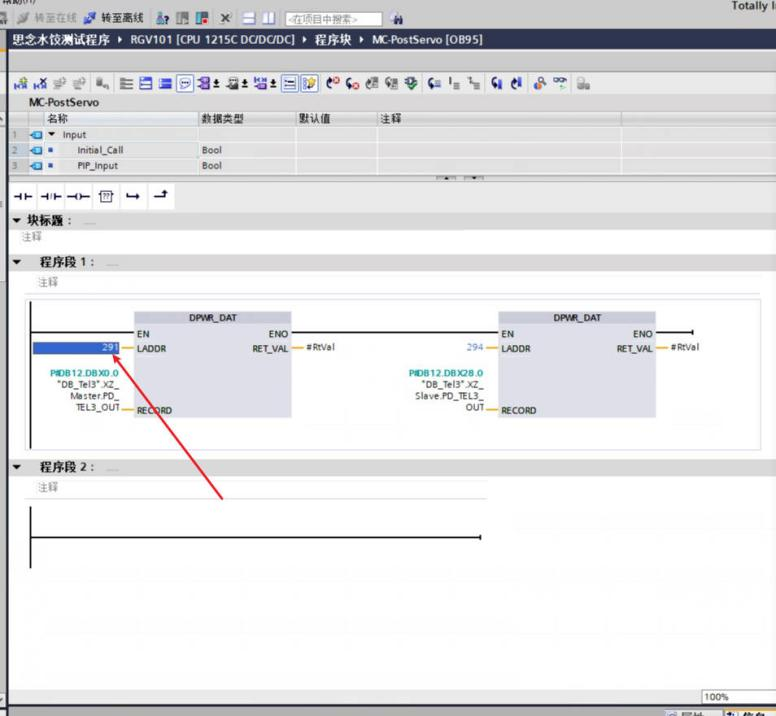
(1) Do not call the I/O hardware identifier in the program;
(2) Add a new I/O configuration, then delete the original I/O configuration. This operation is intended to let the PLC assign a new hardware identifier, avoiding the problem of the hardware identifier called by the program duplicating the hardware identifier of the I/O module.